Best Voice Writing Software for Mac Users
Voice writing software helps Mac users turn speech into clean text faster, with privacy, translation, and editing built into every workflow.
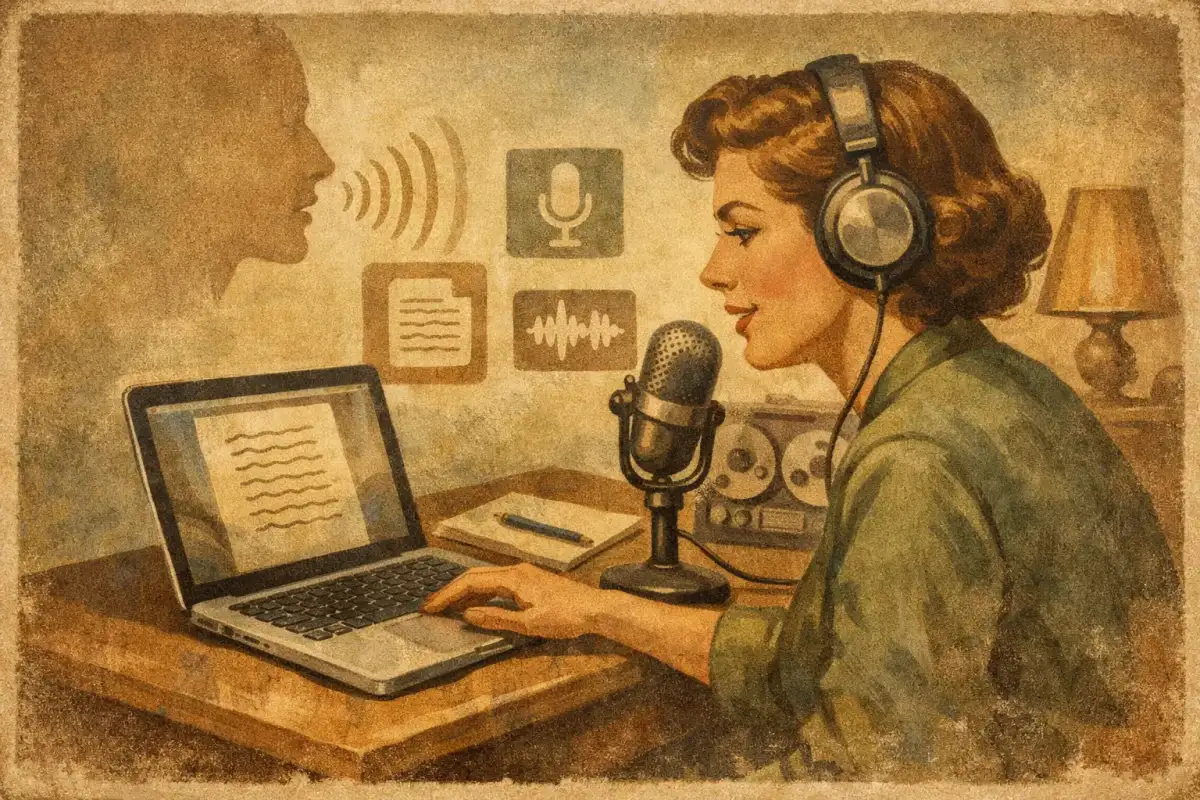
Typing is still the default, even when it is clearly the slower tool. You feel it when you are answering Slack messages, drafting emails, rewriting a paragraph for the third time, or trying to capture a thought before it disappears. That is where voice writing software stops being a novelty and starts being a serious productivity layer.
The catch is that most people still picture old-school dictation: speak slowly, say punctuation out loud, fix a dozen errors, then give up and type the rest. That model is obsolete. The best voice tools now do more than transcribe. They turn spoken input into usable writing - corrected, formatted, sometimes translated, and ready to drop into the app you are already using.
For Mac users especially, the difference between basic dictation and modern voice writing software comes down to one question: does it just hear your words, or does it actually help you communicate faster?
What voice writing software should do now
At a minimum, voice writing software should capture speech accurately and place text where your cursor is. That is the floor, not the ceiling. If that is all the tool does, you still end up doing cleanup work by hand.
A stronger system handles the messy parts of real communication. You speak naturally. It fixes grammar, removes filler, adjusts phrasing, and gives you text that sounds like something you would actually send. That matters in work contexts where speed is only useful if the output is clean.
The best tools also work system-wide. Not in one browser tab. Not inside one notes app. Across Mail, Slack, docs, forms, chat boxes, and anywhere else you write. That changes the product from a feature into infrastructure.
Then there is privacy. Voice is personal data. If every spoken sentence has to leave your machine just to become text, that is a trade-off worth noticing. For some users, especially in client work, legal, healthcare-adjacent roles, or internal business ops, offline-capable processing is not a nice extra. It is the requirement.
Basic dictation vs voice writing software
Traditional dictation is literal. It turns audio into text and stops there. If you ramble, the transcript rambles. If you backtrack mid-sentence, the transcript keeps the damage. If you switch between languages or need a polished message instead of a raw transcript, you are back in edit mode.
Voice writing software is more opinionated. In a good way. It treats spoken language as draft input, not final output. That means it can restructure a sentence, clean up awkward wording, apply punctuation automatically, and make the result fit the context better.
This is the shift that makes voice useful for more than note-taking. Founders can dictate a sharp investor follow-up. Students can speak rough ideas and get readable prose. Multilingual professionals can say what they mean first, then let the system help with clarity and translation. Accessibility users can communicate with less friction and less cleanup.
Not every user wants the same amount of intervention, though. Some need verbatim transcription. Others want aggressive polishing. Good software lets you control that trade-off instead of forcing one style on everyone.
The features that actually matter
Accuracy still matters, but it is no longer the only metric that matters. A tool can be accurate and still slow you down if it breaks your workflow.
Speed is the first real differentiator. Fast capture changes behavior. If the software responds instantly, you use it for quick replies, passing thoughts, and in-between tasks. If there is lag, you save it for occasional dictation and default back to typing.
System-wide access is the second. The best setup is simple: press one hotkey, talk, release, and text appears in the app you are already in. No tab switching. No copy-paste dance. No opening a separate recorder first.
Editing intelligence is the third. This is where modern tools start earning their place. Grammar cleanup, phrasing improvement, text replacement, and translation can compress what used to be five separate steps into one action. That is not just convenience. It is compound time savings.
Text-to-speech can matter too, especially for multilingual users and anyone who wants to hear how a message sounds before sending it. Reading output aloud catches tone problems fast. It is also useful for pronunciation checks and accessibility.
Finally, there is architecture. Some products are cloud-only. Some run locally. Some use a hybrid model. Cloud processing can deliver stronger premium voices and heavier AI features, but local processing gives you lower latency, offline use, and tighter privacy. For many Mac users, hybrid is the practical sweet spot: local by default, cloud when you choose it.
Why Mac users have different expectations
Mac users tend to care about flow. If a tool feels bolted on, it gets ignored. That is why voice writing software on macOS has a higher bar than a standalone transcription app.
It needs to feel native to the way people already work: quick keyboard triggers, minimal UI friction, clean paste behavior, stable performance across apps, and no constant context switching. Apple Silicon also changes the equation. On-device models are now fast enough to handle meaningful voice tasks locally, which makes privacy-first design more realistic than it was a few years ago.
That matters because many users do not want to choose between speed and control. They want both. They want to speak into a browser form without shipping every sentence to a remote server by default. They want live writing help in Slack without turning their workflow into a patchwork of browser tools and plugins.
This is where newer products are pulling ahead. Instead of treating speech recognition as the product, they treat voice as an input layer for the entire Mac.
Where voice writing software saves the most time
The biggest gains do not usually come from writing long essays by voice. They come from high-frequency communication.
A founder clearing inbox triage by speaking short, polished replies. An operator updating docs while moving between meetings. A student turning a rough spoken explanation into structured notes. A non-native English speaker drafting faster because they can think in speech first and refine instantly. Those are the real use cases.
Translation adds another layer. If your work moves between English and another language, switching tools for every message is expensive. Voice writing software that can capture speech, clean it up, and translate it in one pass removes a lot of hidden friction.
There is also a less obvious benefit: momentum. Many people can explain an idea faster than they can type it. The barrier is not thinking. It is phrasing. Speaking gets the thought out. Smart cleanup makes it sendable.
What to watch out for before you choose one
The biggest trap is buying based on transcript demos. A perfect transcription screenshot does not tell you how the product behaves inside your actual workflow.
Check whether it works across the apps you use most. Check how much editing you still need to do after dictating. Check whether it handles short-form communication well, not just long-form monologues. And check what happens when you are offline.
It is also worth asking how the company handles voice data. Is processing on-device, cloud-based, or optional? Are premium features tied to sending data out? None of these answers is automatically wrong, but the trade-off should be clear.
For technical teams, there is another angle. Some voice writing platforms now extend into API infrastructure, letting developers build real-time voice agents and phone-based interactions without rebuilding the speech stack from scratch. If you are choosing a tool for both end-user productivity and product integration, that overlap matters.
One example is Vible, which approaches voice as a system-wide layer on Mac rather than a narrow dictation box. That distinction matters because the value is not just speech-to-text. It is speech-to-clean-text, with correction, translation, replacement, and optional spoken output built into one workflow.
The right standard for voice writing software
The old standard was simple: can it transcribe my voice? The better standard is tougher: can it reduce the total time between thought and finished message?
That includes capture speed, text quality, app coverage, privacy, and how much manual fixing is left at the end. It also depends on your job. A journalist may want near-verbatim drafts. A sales lead may want concise, polished outreach. A multilingual user may care most about translation and pronunciation. The best product is the one that fits your communication loop, not the one with the flashiest speech demo.
Voice is becoming a serious writing interface because the underlying models are finally fast enough and smart enough to help beyond transcription. But the products that matter will not be the ones that simply hear you. They will be the ones that shorten the distance between what you mean and what appears on screen.
If your current setup still leaves you speaking like a robot and editing like a copy desk, it is not really voice writing software yet. It is just dictation with better marketing. The better tools feel different right away: faster, cleaner, and more in your control.